What's inside
The whole job, not just the posting.
Ten parts of the job, each with its own page in the dashboard. Every one shows where it is live today: on a subscription you run it, on a done-for-you plan our team does.
01 · Every month, every week
Content, planned and made
A month of posts planned with scripts, then carousels, graphics and reels made for each network. You see every post before it goes live.
- A monthly calendar with a script for every post
- Carousels, graphics and short videos, per network
- Approve or request changes in one click
- Scheduled and posted for you on done-for-you plans
Replaces: a content creator and a social media manager
Done for you · LiveSubscription · Live
02 · Checked every 3 hours
Replies that sound like the brand
Comments and direct messages get a draft reply in your brand voice. A person reads it before it goes out.
- Instagram, Facebook, TikTok and YouTube comments in one queue
- Direct messages in their own inbox, answered the same way
- Drafts in your voice, ready to approve, edit or rewrite
- Complaints, billing and legal questions go to a person, never to a bot
Replaces: a community manager watching the inbox
Done for you · LiveSubscription · Live
03 · Updated daily
One dashboard for results
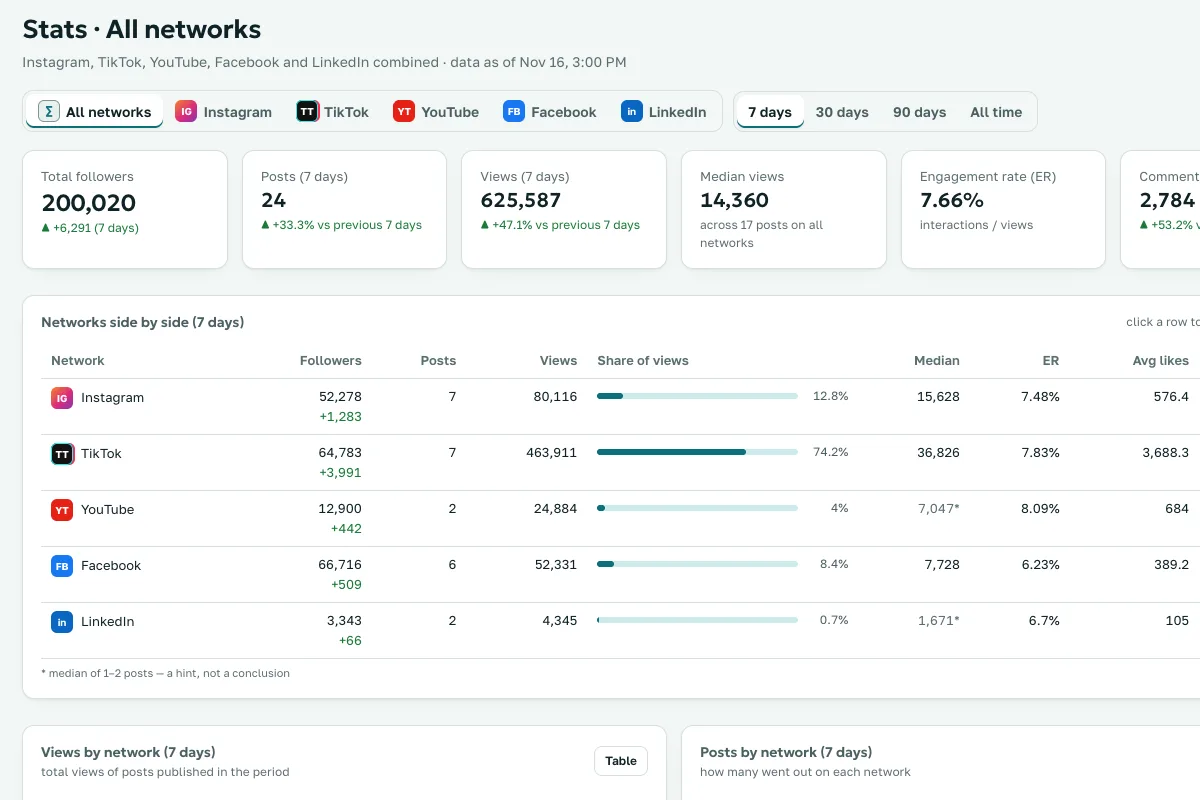
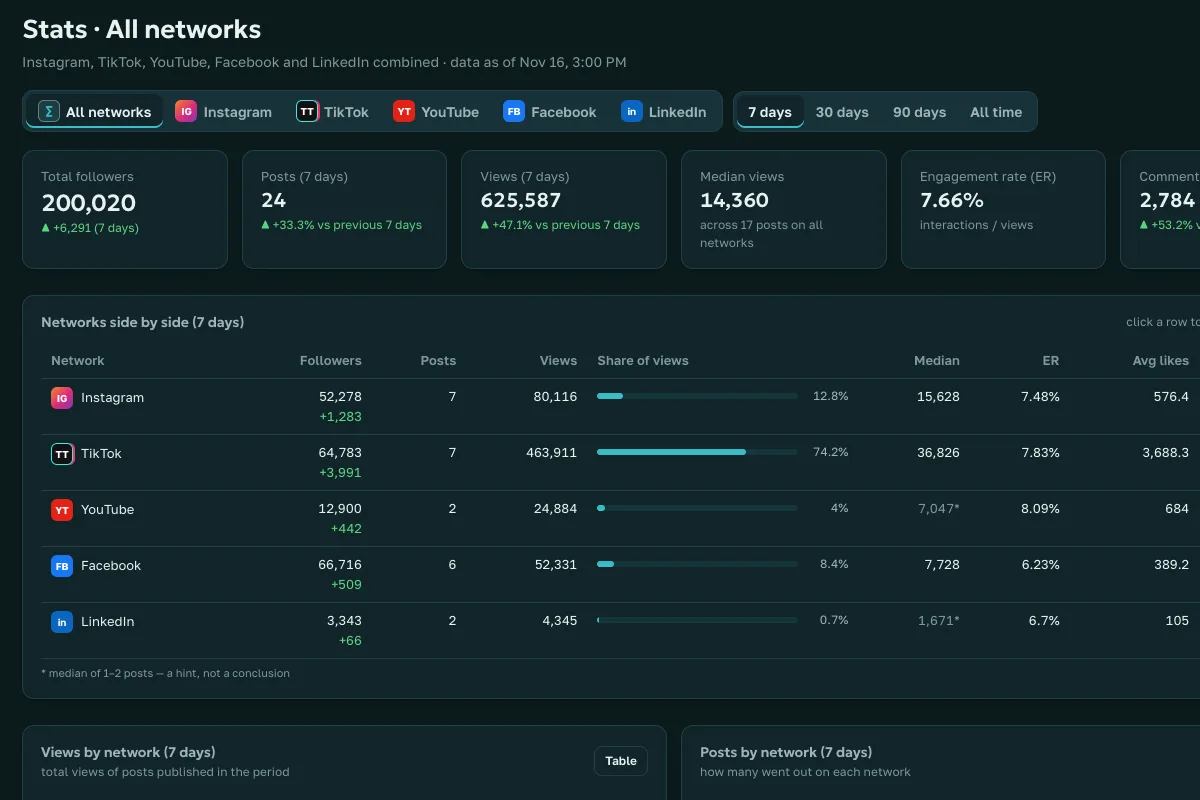
Followers, views, engagement and ad results from every network in one place, compared with last week and with where you started.
- Networks side by side: followers, posts, views, median views, engagement
- Real numbers from each network, never estimates
- A before / after report every month
Replaces: a separate analytics and reporting tool
Done for you · LiveSubscription · Live
04 · Public data
Competitors, side by side
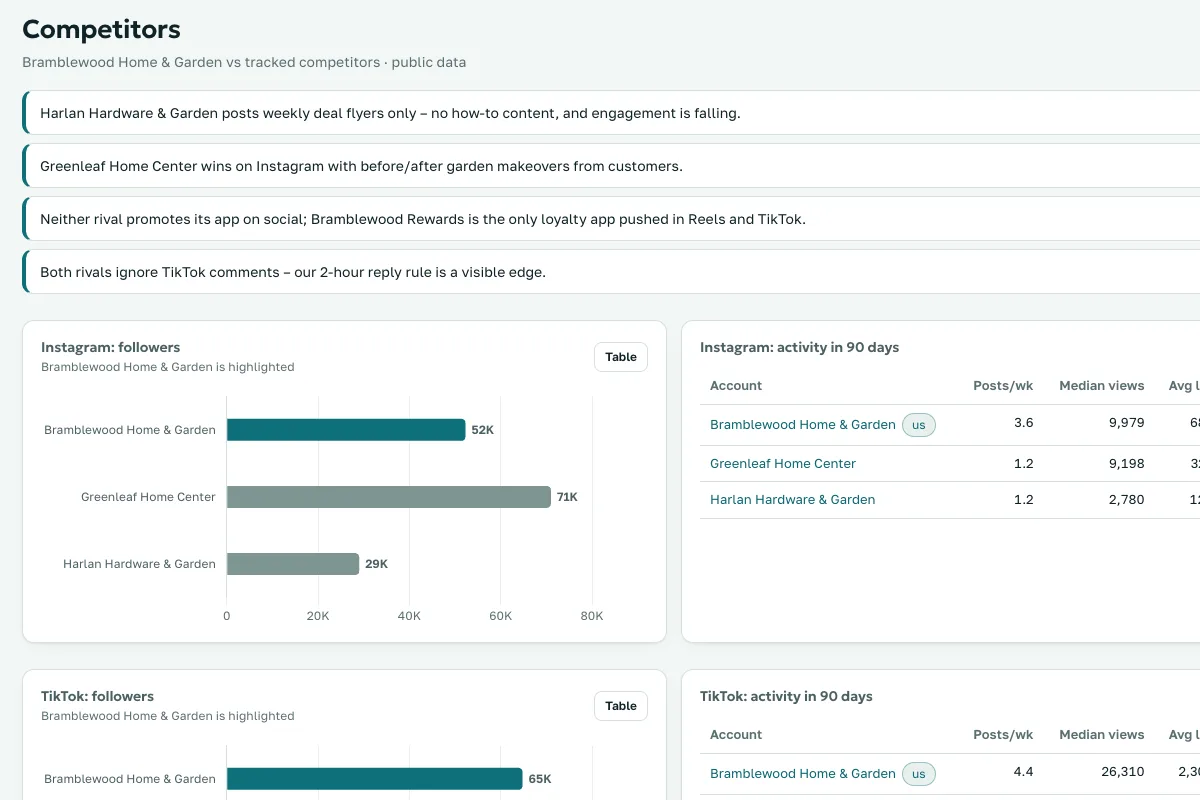
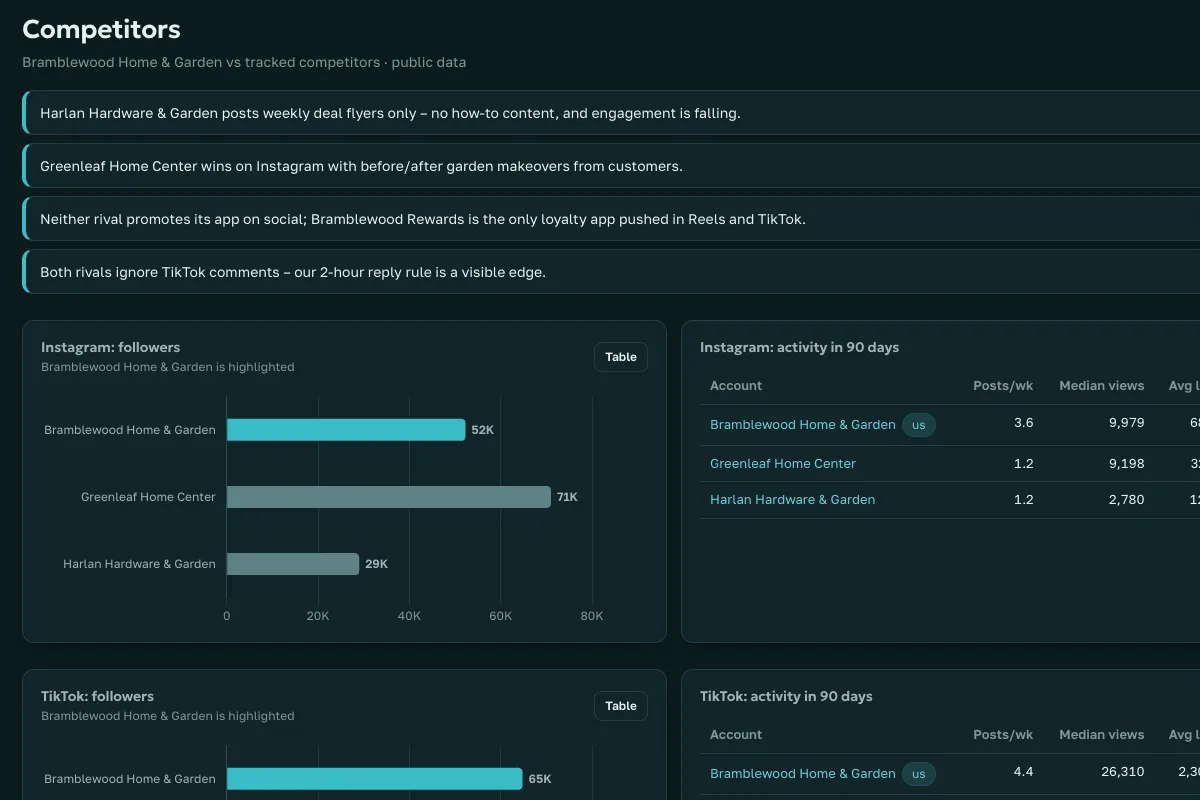
Your accounts next to the competitors you choose: who is growing, who posts more and what works for them.
- Followers, posts per week and median views, network by network
- Short notes on what each competitor does well and where they are weak
- Public numbers only – nothing is needed from the competitor
Replaces: checking competitor pages by hand
Done for you · LiveSubscription · Live
05 · Always a test running
Tests, not guesses
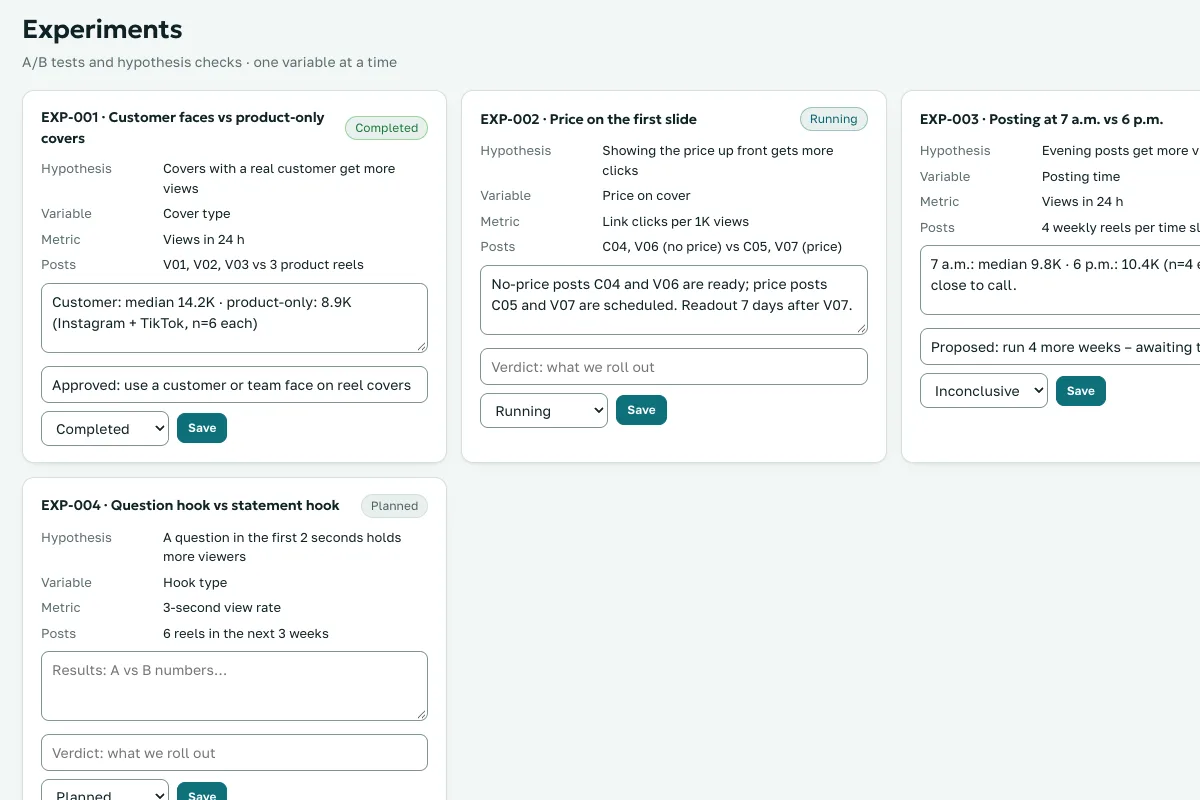
A/B tests on hooks, formats and posting times, with the result in numbers. What wins shapes the next month's plan.
- Hypothesis, series of posts, result and a proposed decision
- You approve the change before it becomes a rule
- Every test stays on record
Replaces: guesswork, or a consultant running tests by hand
Done for you · LiveSubscription · Coming soon
06 · Checked every month
Found on Google and in AI answers
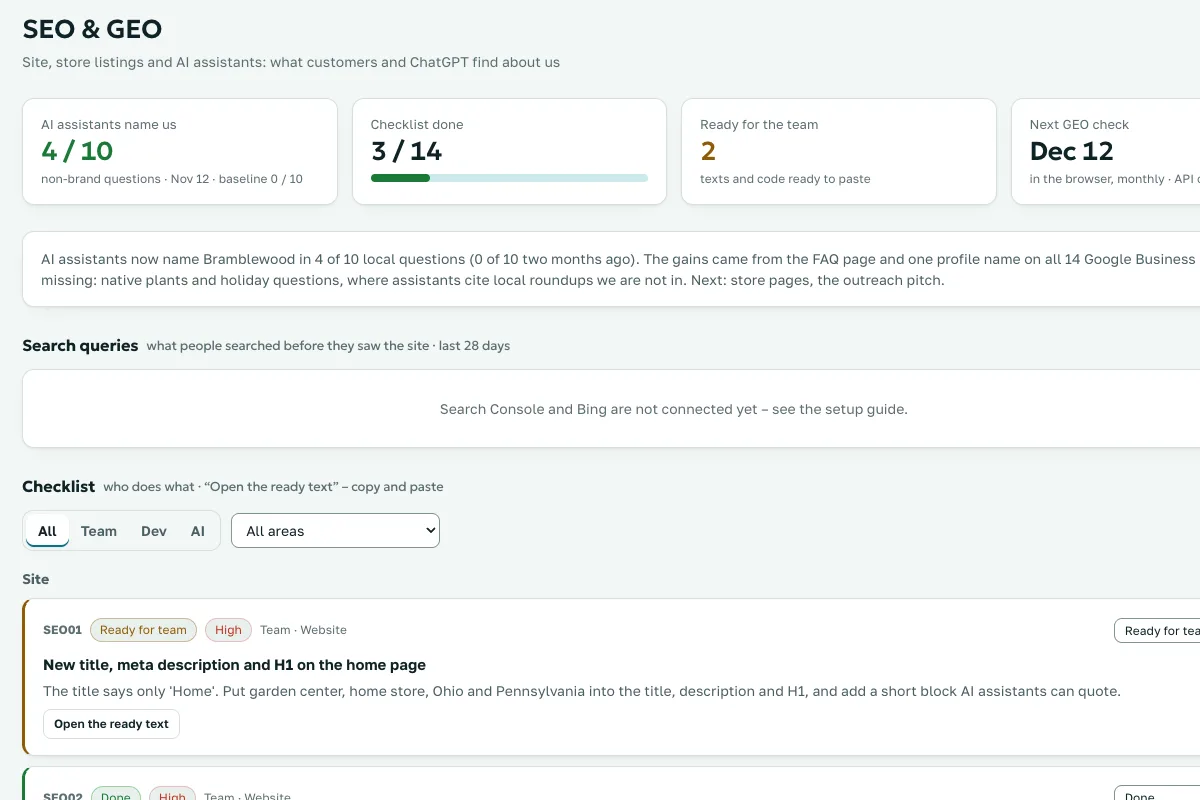
A checklist for your site and profiles with the texts ready to paste, and a regular check of whether ChatGPT and Perplexity name your business.
- A checklist by area: who does what and what is already done
- Ready texts and code for your site – your team pastes them in
- The same questions to AI assistants every time: are you named, and who is named instead
Replaces: a one-off SEO audit that goes out of date
Done for you · LiveSubscription · On Team and Business
07 · Tuned every week
Paid ads, managed
Ads on Meta, Google and Apple, planned and adjusted weekly. Your ad budget goes straight to the platforms.
- Spend, results and cost per result per campaign
- Pause, resume and budget changes only with your OK
- Ads and organic results in the same dashboard
Replaces: an ad agency retainer
Done for you · LiveSubscription · On Team and Business
08 · Reviewed every month
A plan for what comes next
Tasks from your audit and insights from your own numbers in one list. You always see what is done, what is next and why.
- Tasks by priority: quick wins, strategy, system
- Insights from your data, each with the action it leads to
- 90-day goals with progress on the home page
Replaces: a separate task tracker and strategy notes
Done for you · LiveSubscription · Live on Team and Business
09 · Any time
Your team, by permission
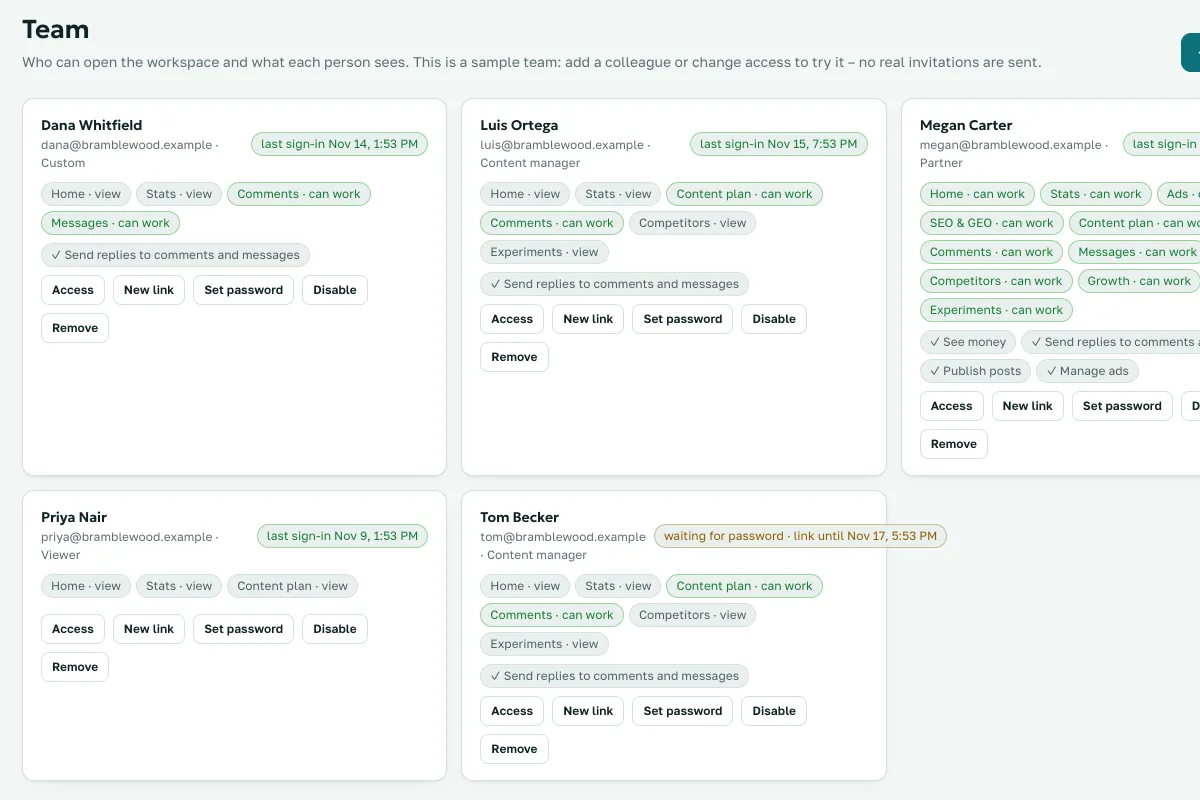
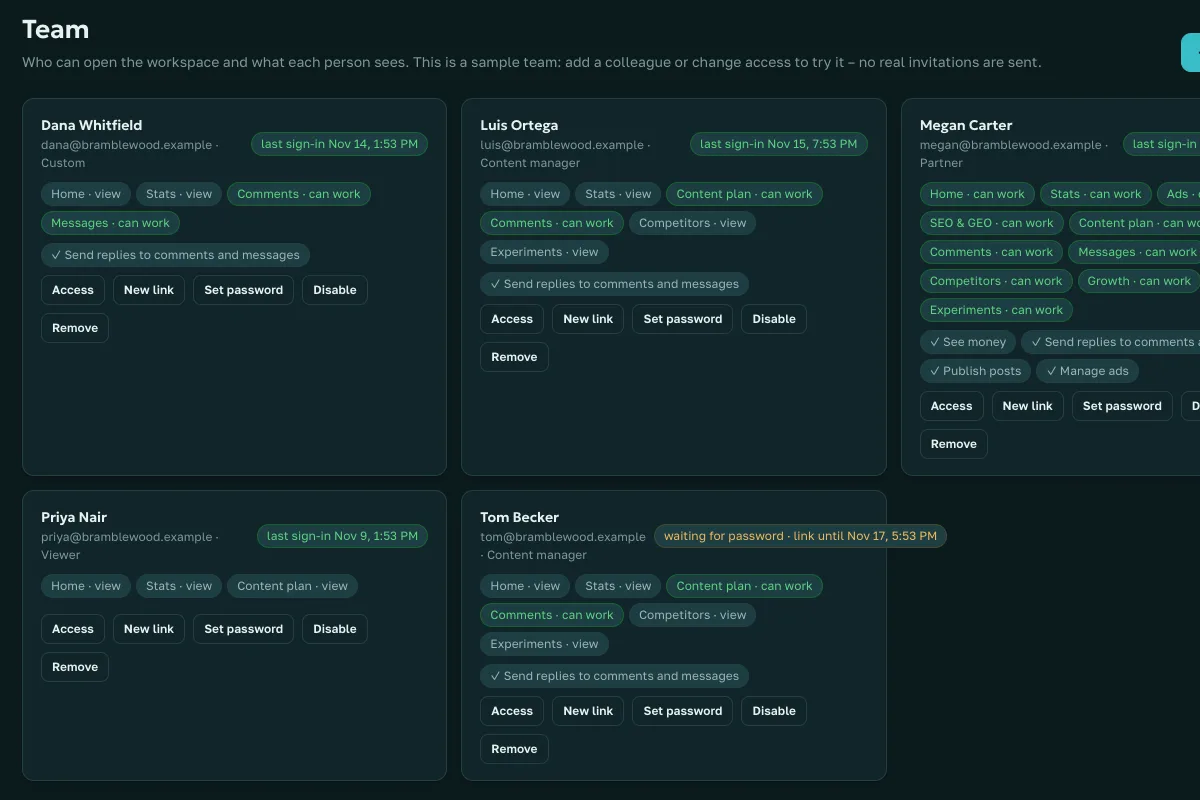
Add colleagues and choose what each one sees and can do. Sign-ins, replies and approvals stay on record.
- Access page by page: hidden, view or can work
- Separate rights for money, sending replies, publishing and ads
- An activity log of sign-ins, replies, publications and access changes
Replaces: shared passwords to your social accounts
Done for you · LiveSubscription · Seats by plan
10 · Any time
Your personal assistant
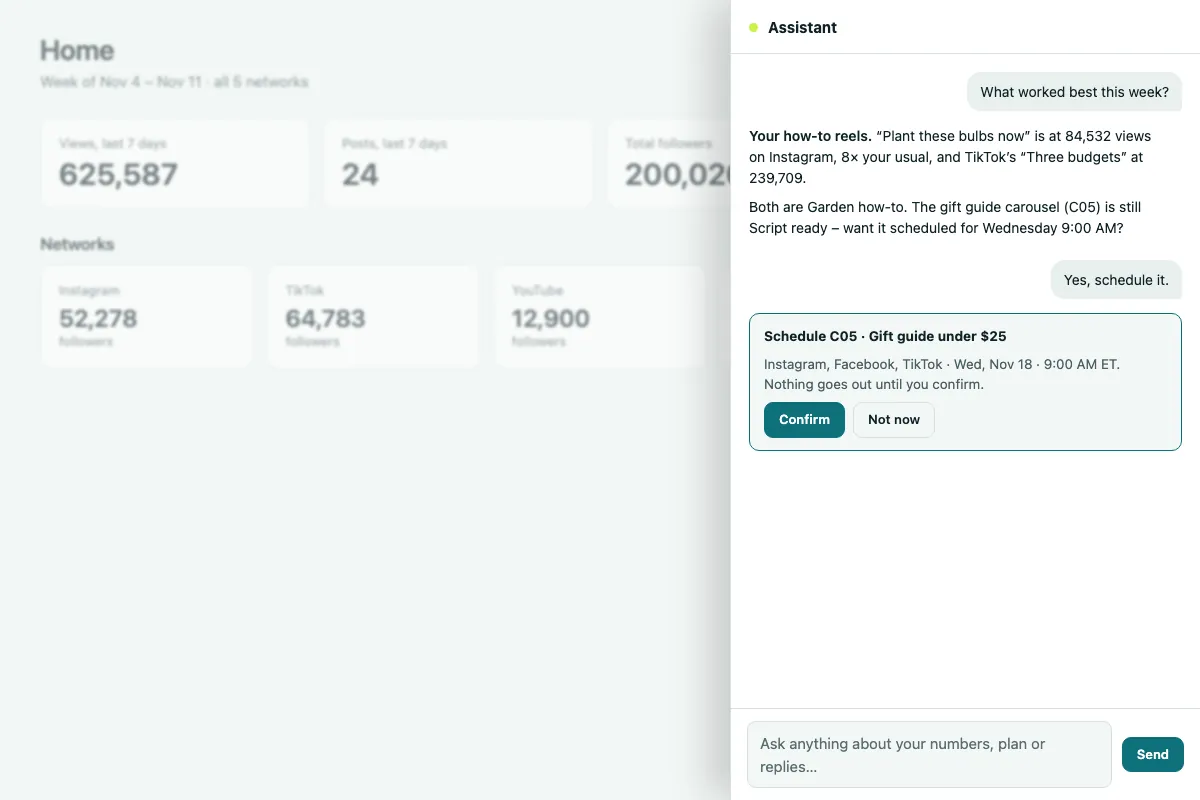
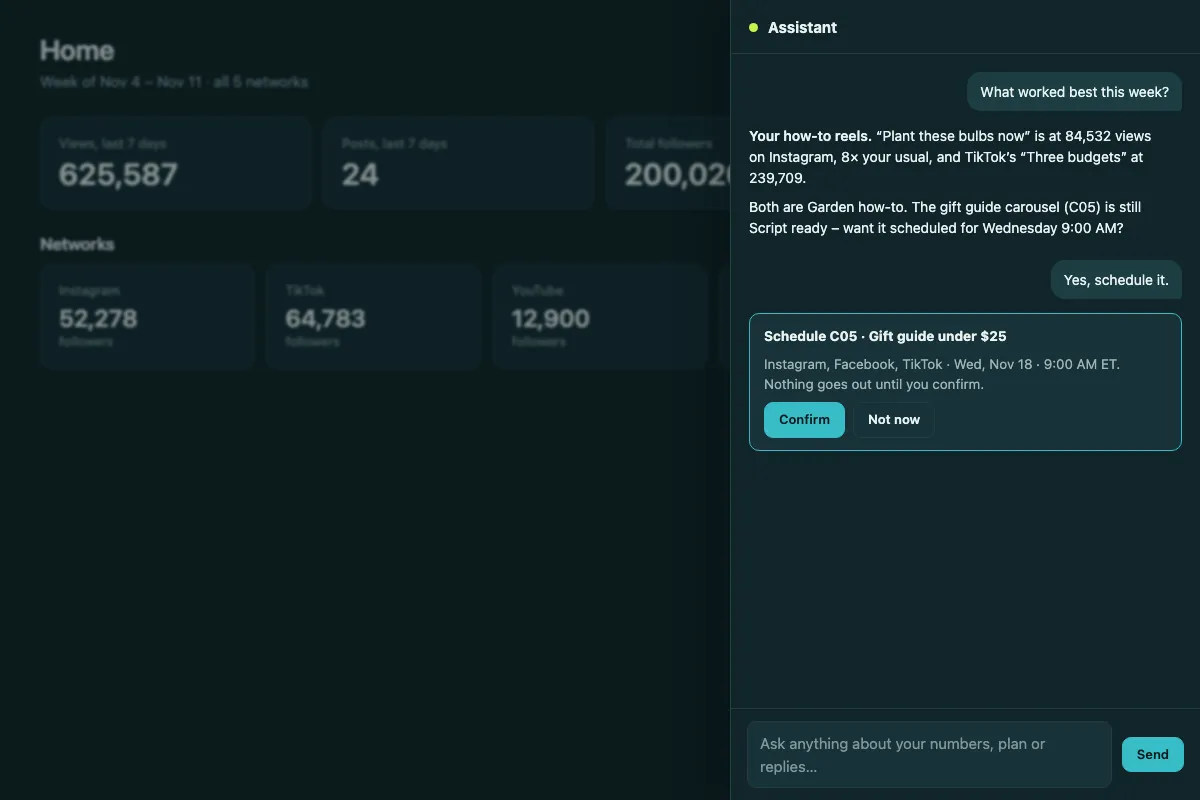
Ask in plain words from any page of your dashboard. It answers from your own numbers, updates tasks and drafts, and anything public waits for your Confirm.
- Answers from your posts, results, comments and plan
- Updates tasks, statuses and drafts from the chat
- Publishing, replies and ad changes come as a Confirm card
Replaces: a marketing assistant for everyday questions
Done for you · LiveSubscription · Replies by plan
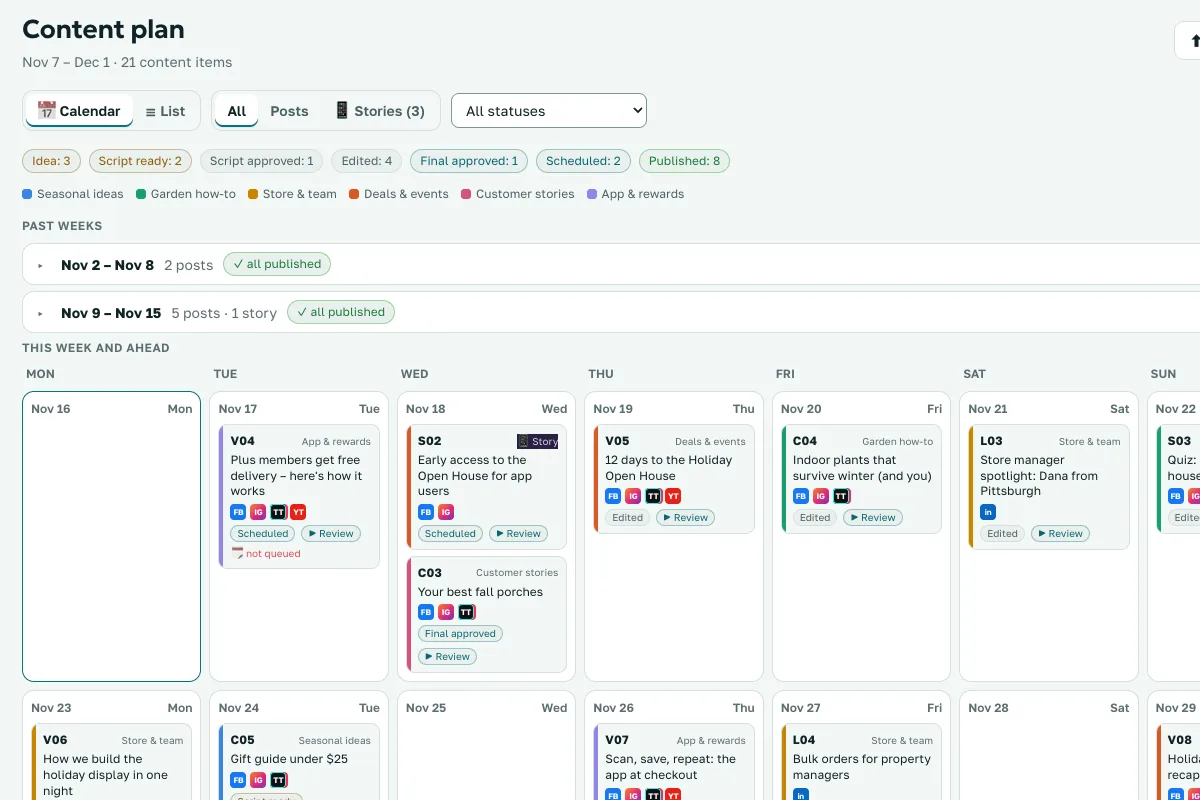
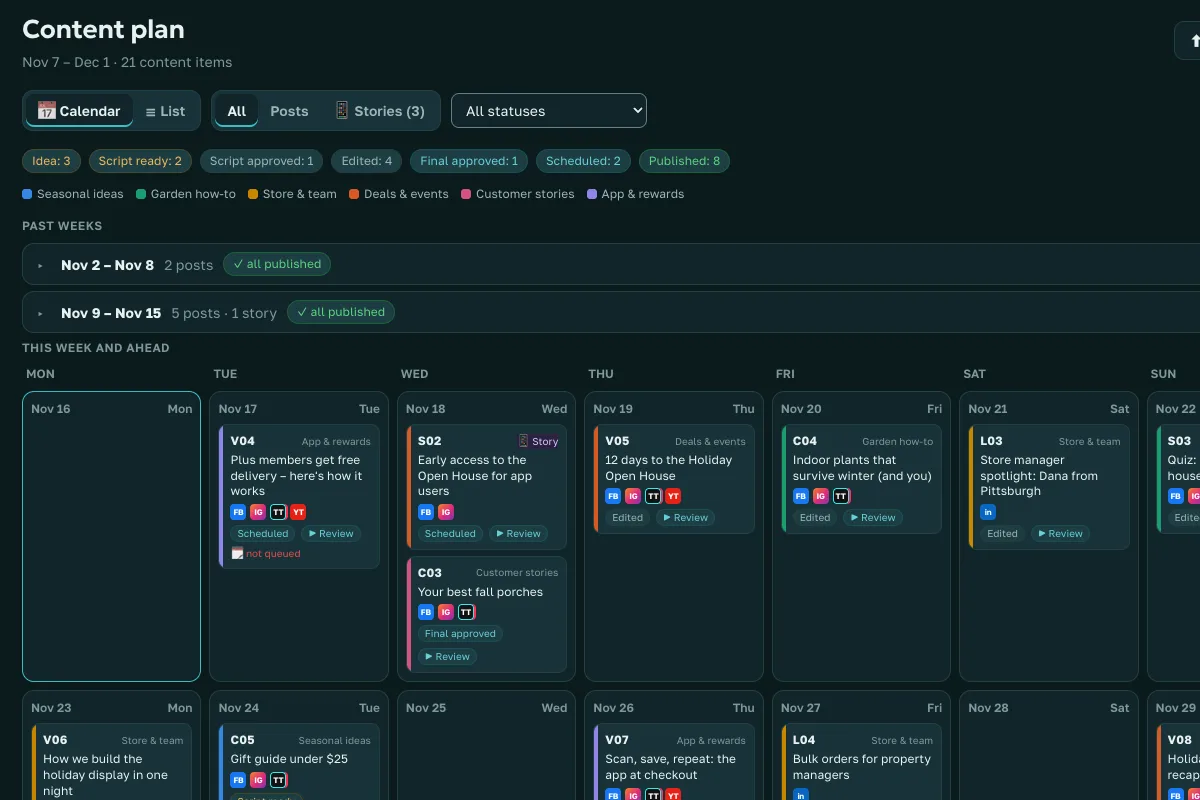
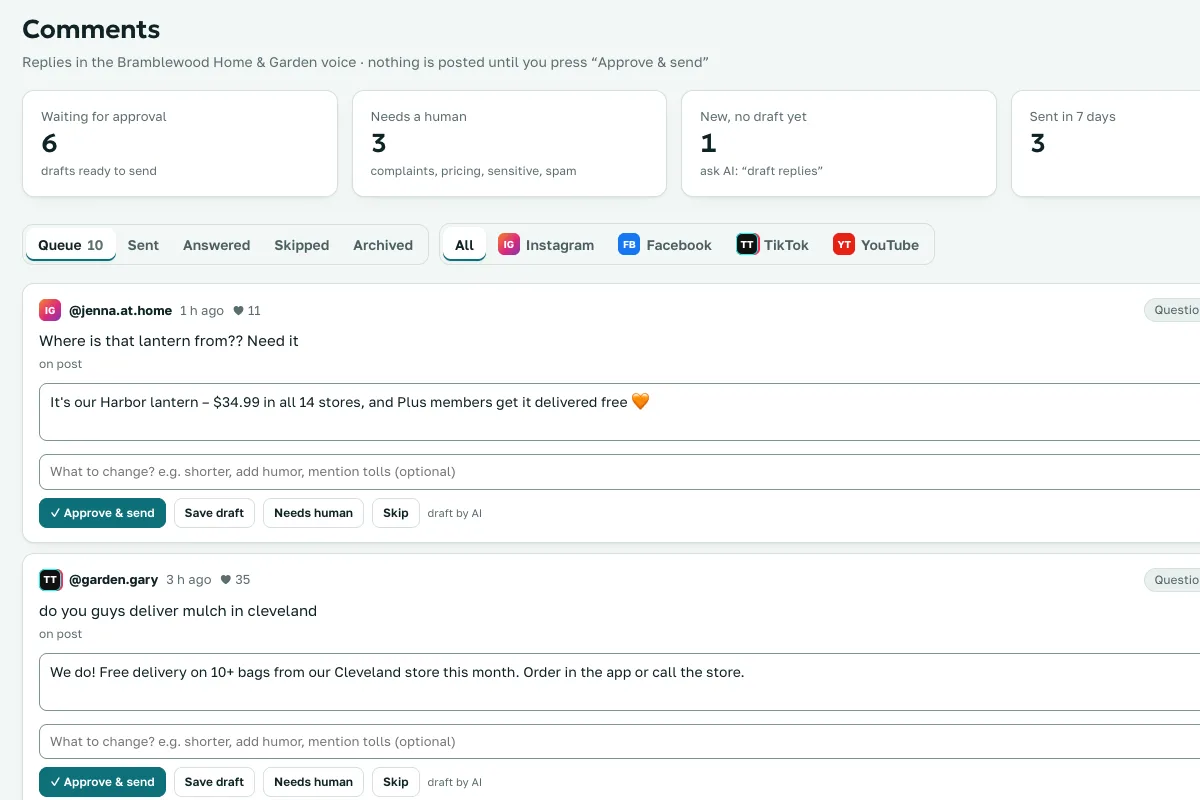
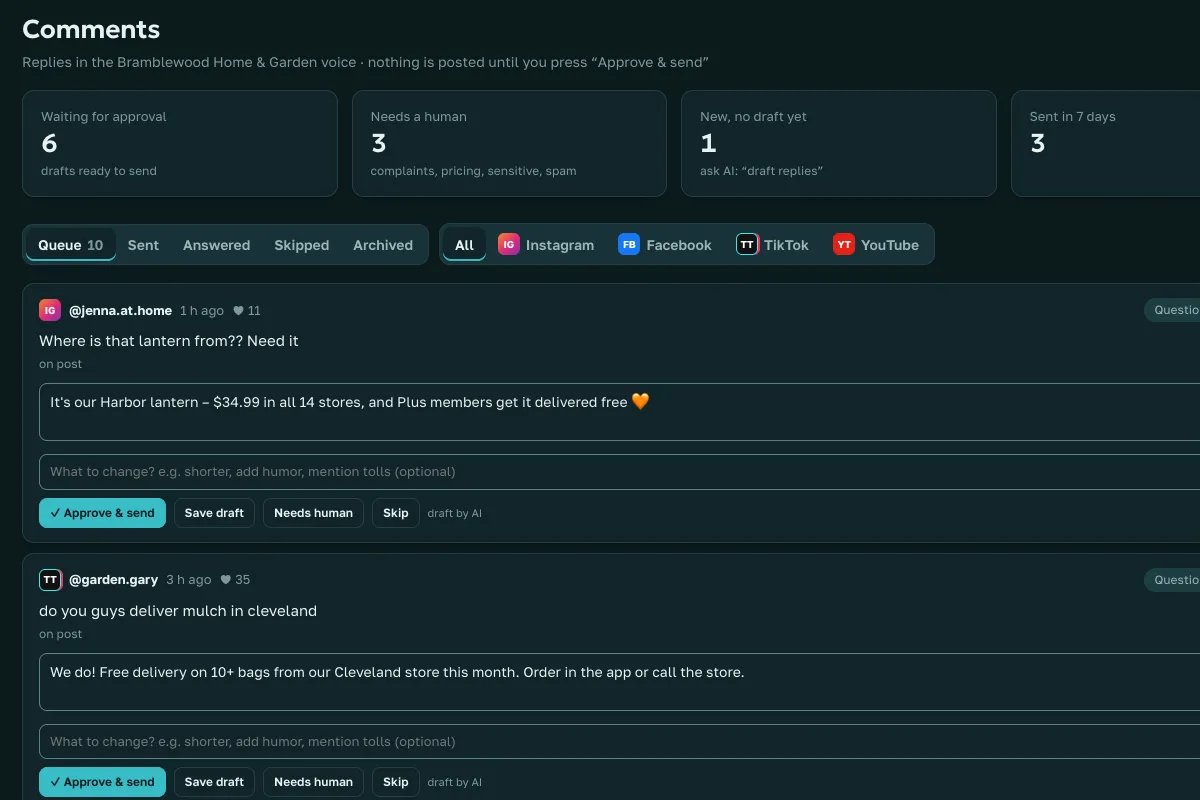
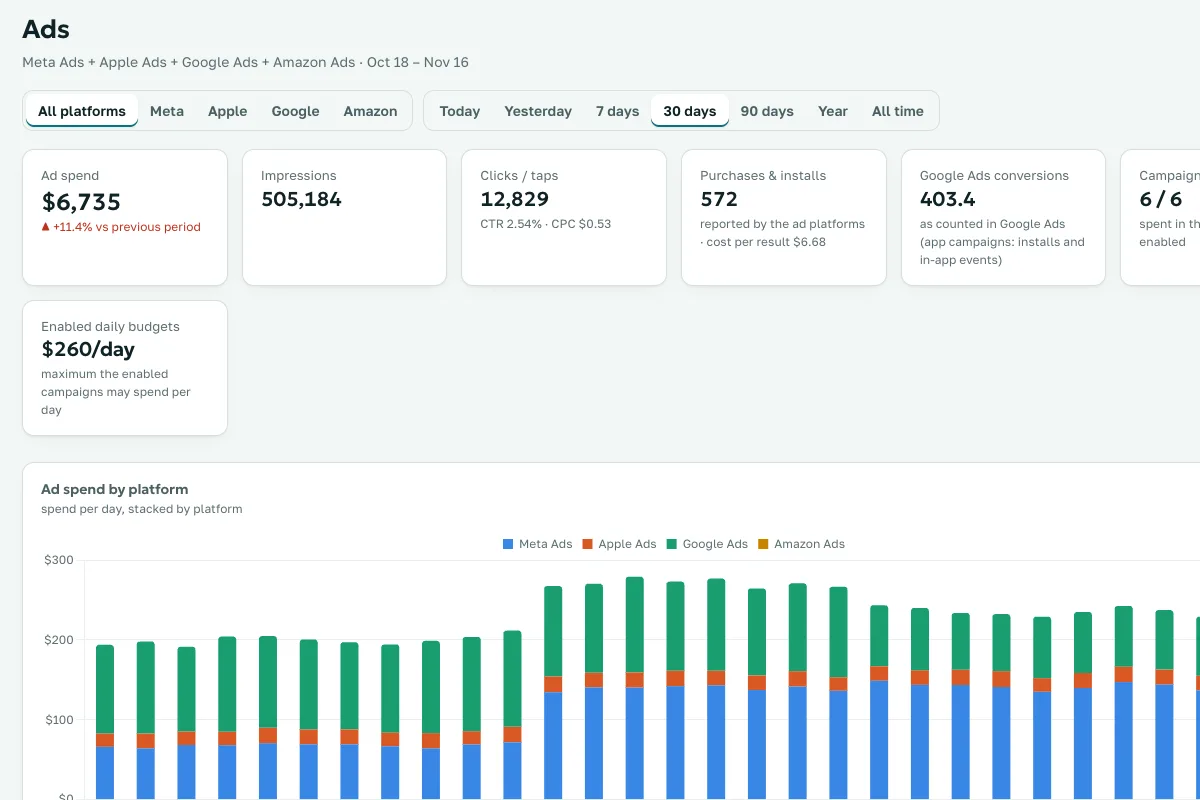
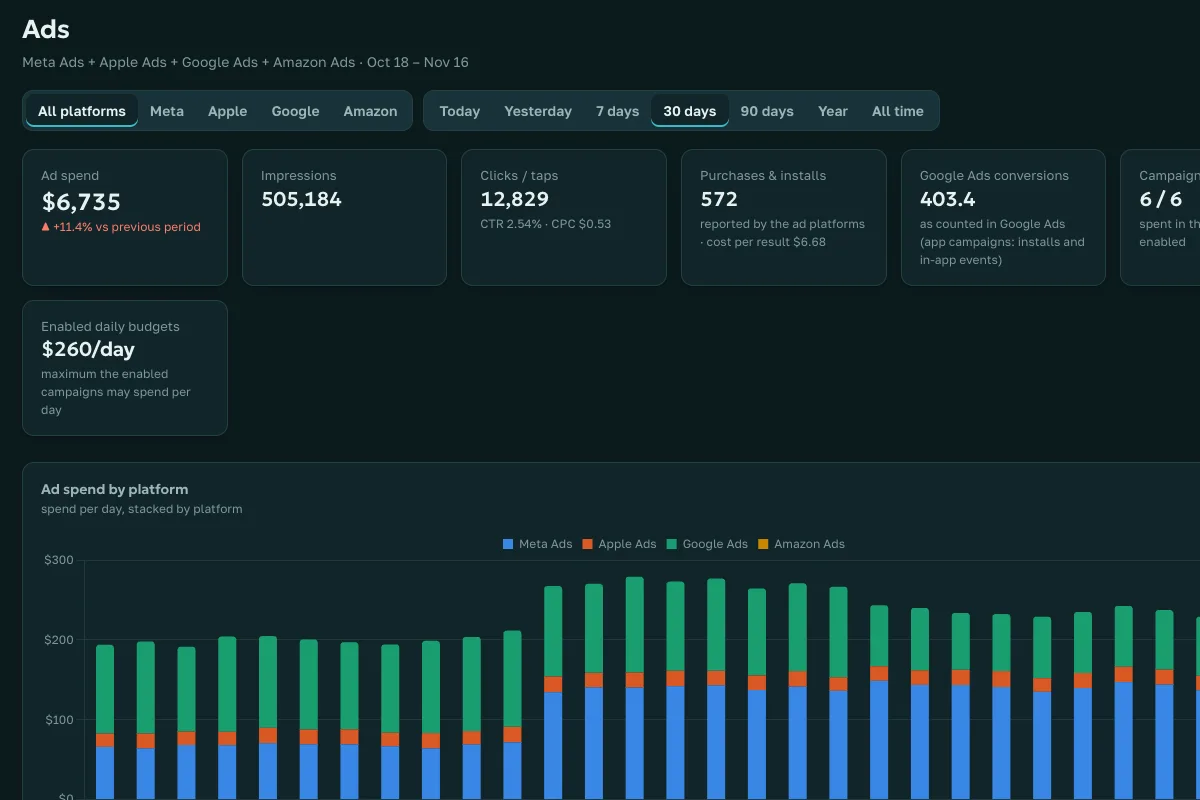
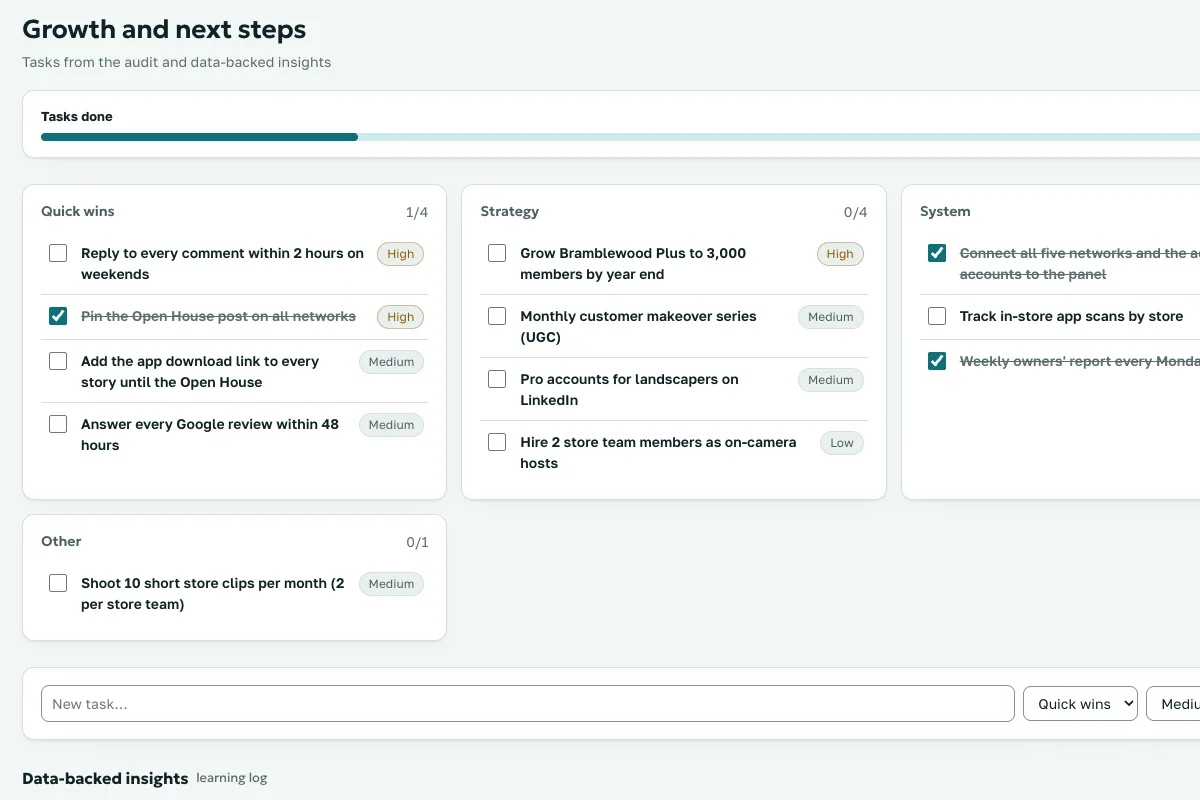
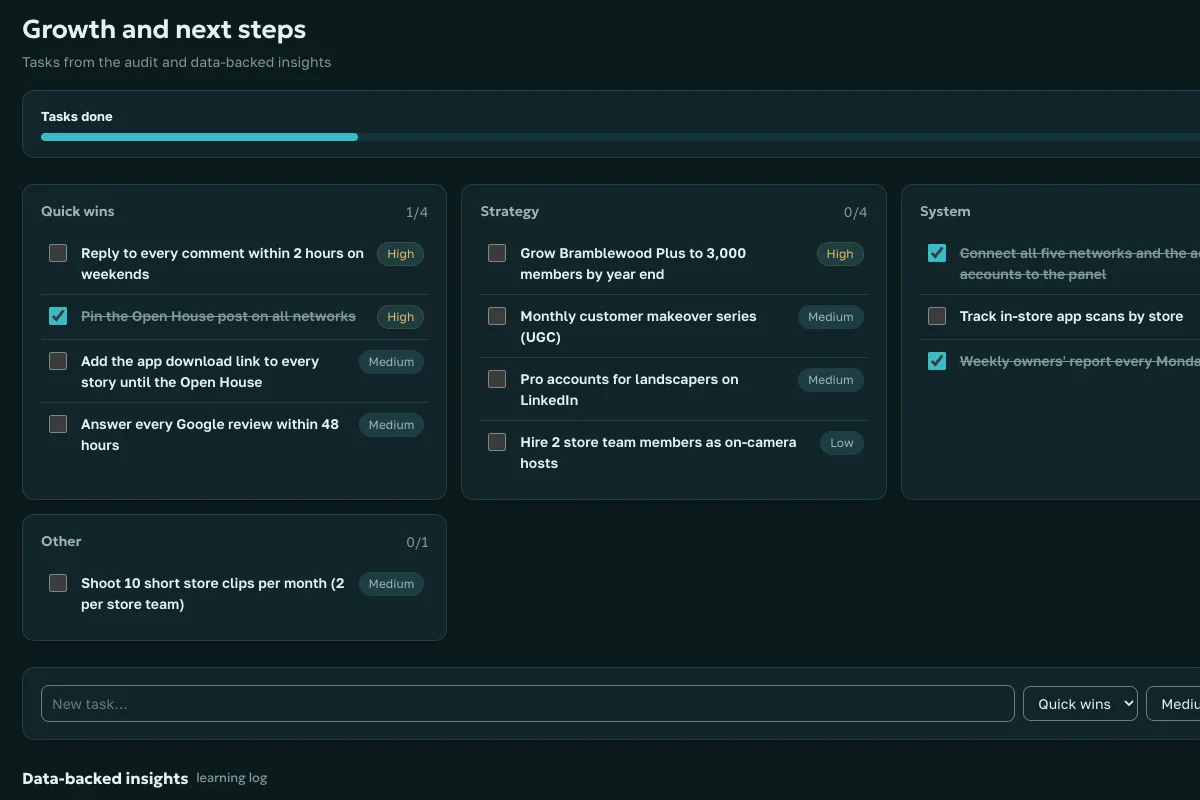
Try it yourself: the live demo is open.
The screens above are from a sample workspace for a fictional garden-center chain. Open it, approve a post, answer a comment, check the numbers – nothing is sent anywhere, no sign-up. It shows the full workspace as our team runs it on done-for-you plans; on a subscription, the parts marked Coming soon above are not switched on yet.
Your assistant
Ask your dashboard. In plain words.
A personal assistant sits on every page of your dashboard. Ask what worked, what needs fixing or what to post next – it answers from your own numbers and takes the busywork off your plate.
Answers from your own data
It reads your workspace – posts, results, comments, tasks and the content plan – and answers in plain words.
Does the busywork
Updates tasks and plan statuses, writes drafts and keeps experiments up to date, right from the chat.
Nothing public without Confirm
Publishing, replies, messages, hiding a comment and ad changes come as a card. Nothing happens until you press Confirm.
Your team, your rules
Teammates get the assistant only if you turn it on, as ask-only or with edit rights. It never touches passwords, keys or team settings.
Which posts worked best this week?
Your two how-to reels – they beat everything else on views and saves. I added a third one to next week's plan.
✓ Plan updated · draft added
Reply to the new comment on the first one.
Reply on Instagram · needs your OK
“Thanks! Part two drops next Tuesday – we'll cover the setup step by step.”
Sample conversation for a fictional brand.